
Brave Browser is a free, privacy-first browser that blocks ads and rewards you for watching them.
by: Brave Software Inc.
for: Android, iOS, Linux, macOS, Windows
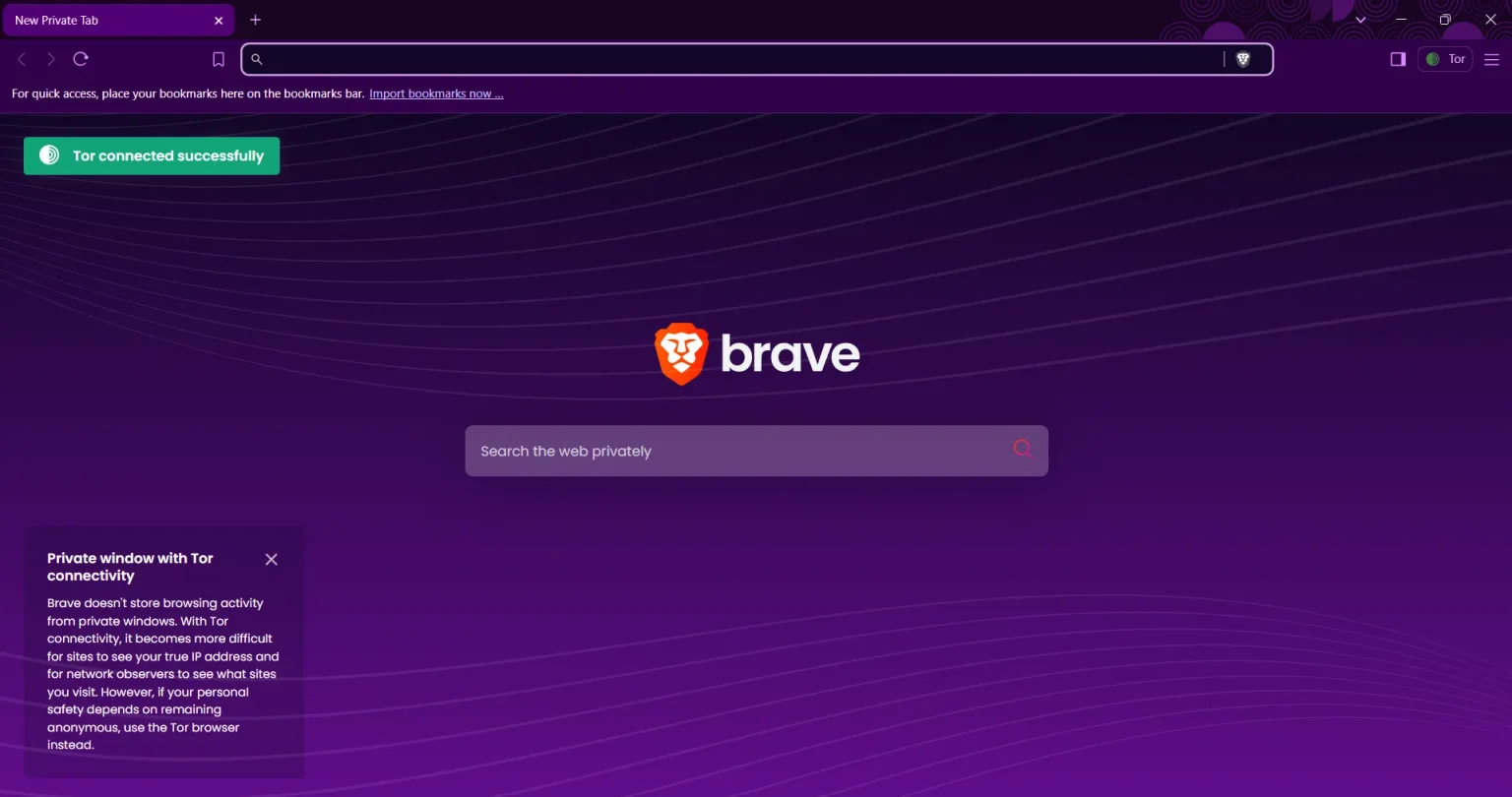
Brave is a Chromium-based web browser built around a single premise: your browsing data belongs to you, not advertisers. It’s designed for everyday users who are tired of surveillance-heavy browsing but don’t want to spend hours configuring privacy settings. It’s not the right fit for users deeply embedded in the Chrome extension ecosystem or those who need enterprise IT management tools.
You download and install Brave — it feels familiar immediately because it’s built on the same Chromium engine as Chrome. On first launch, Brave offers to import your Chrome bookmarks, saved passwords, and extensions in one step, so switching doesn’t feel like starting over. From that point, Brave Shields activates automatically on every site: ads disappear, trackers get blocked, and pages typically load noticeably faster than they would on Chrome. If you want to earn BAT, you head into Settings, enable Brave Rewards, select your notification ad preferences, and connect a ZebPay account (India’s supported custodian). BAT accumulates monthly and lands in your ZebPay wallet, where you can sell it for INR or hold it as crypto.
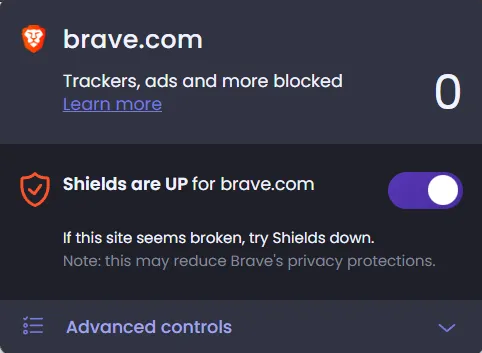
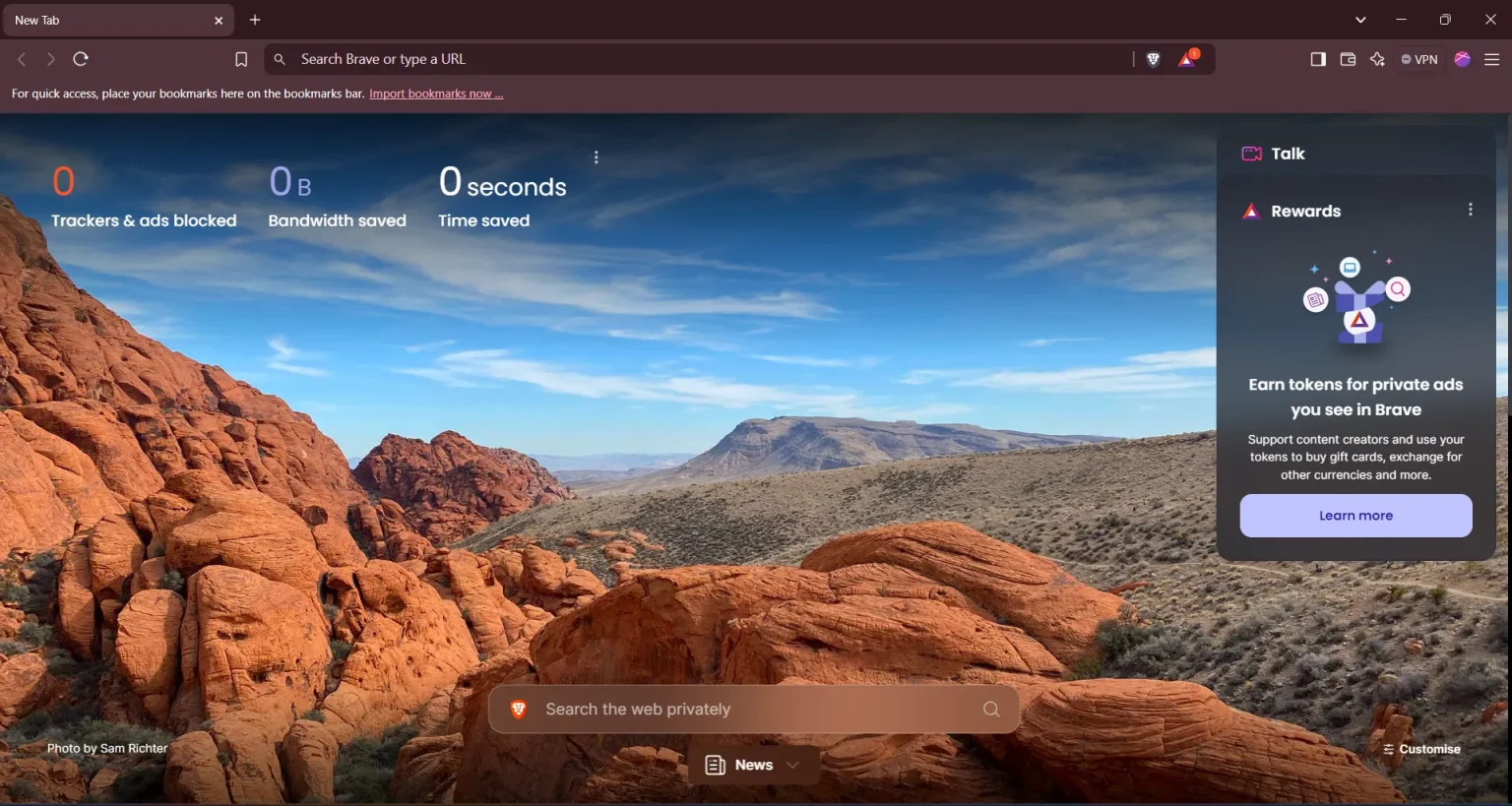
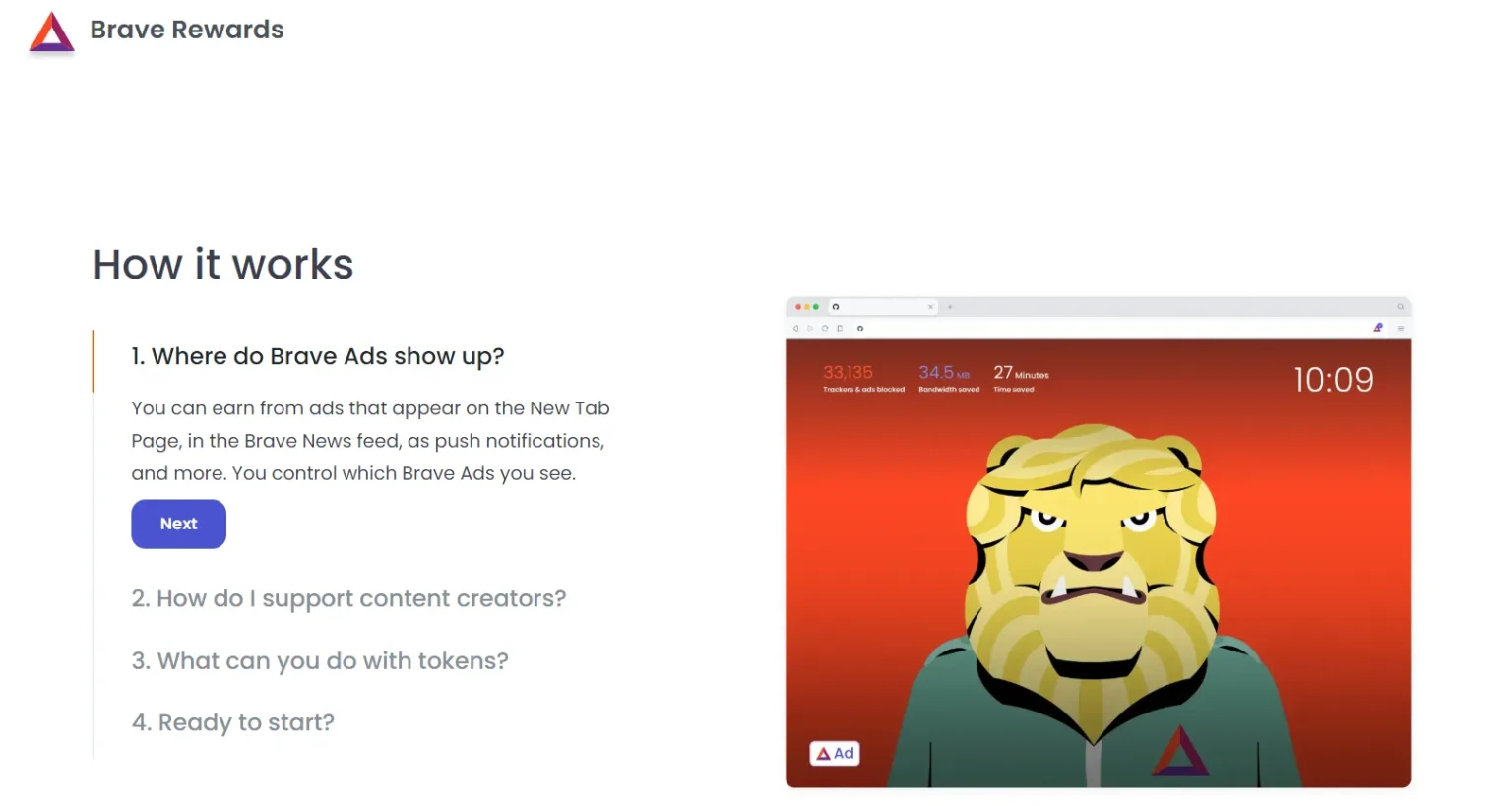
Brave’s interface is clean, modern, and deliberately Chrome-like — if you’ve used Chrome, you won’t need a tutorial. The new tab page doubles as a dashboard with a customizable background, Brave News feed, and a stats counter showing how many ads and trackers have been blocked since install. The Shields panel is accessible via a lion icon in the address bar, letting you raise or lower protection per site with one click. Onboarding is smooth, and the design earns its free price tag easily.
Brave is consistently faster than Chrome on both desktop and Android because blocking ads and trackers at the network level means fewer resources are consumed per page. On low-end PCs and older Android phones, this difference is tangible — pages render faster and RAM usage stays lower. Battery life on mobile also benefits: fewer background scripts mean less CPU churn. The browser has no notable crash history on stable releases, and its four-week release cycle (currently on Chromium 148.0.7778.96) keeps it current with upstream security patches.
Brave does not collect your browsing history — this is built into its architecture, not just a policy claim. It requests standard permissions on Android (storage for downloads, camera/microphone only when you actively use them) and nothing unusual. Its privacy policy, last updated March 13, 2026, clearly states that no browsing history is retained, that Brave Rewards uses a pseudonymous “Rewards Payment ID” rather than your identity, and that Leo AI prompts are ephemeral — discarded after each session and never used for model training. On Android, Google Safe Browsing runs natively and does expose your device IP to Google, which is worth knowing. On desktop, Brave proxies Safe Browsing requests to prevent that.
The browser itself is free, and the free tier is genuinely complete — you don’t hit paywalls for core privacy features. The Brave Firewall + VPN is the main paid add-on at $9.99/month or $99.99/year, covering up to 10 devices. For comparison, Mozilla VPN costs $9.99/month at the same tier, but offers a larger server network and a more established privacy audit record. Brave VPN’s network of 300+ servers is serviceable for basic use but limited for streaming or bypassing geo-restrictions. The Leo AI free tier is usable, but heavy users who want premium models will need Leo Premium. For most users in India, the free browser alone — combined with Brave Rewards BAT earnings via ZebPay — makes the total cost of ownership effectively zero or even slightly positive.
vs. Google Chrome: Brave wins on privacy and ad blocking by a wide margin; Chrome wins on extension variety and Google account integration.
vs. Mozilla Firefox: Brave wins on out-of-the-box blocking (Firefox requires manual configuration); Firefox wins on extension depth, customisability, and a longer track record as an independent browser.
Zero-config privacy
Real speed gains
Low resource usage
Built-in wallet replaces MetaMask
Shields occasionally break sites
VPN server network is thin
BAT-to-INR conversion is multi-step
| Requirements | Windows | macOS | Linux | Android | iOS |
|---|---|---|---|---|---|
| Recommended OS | Windows 11 | macOS 13+ | Ubuntu 22.04+ | Android 12+ | Windows 10 |
| Min Storage | 350 MB | ||||
| Min RAM | 4GB+ |
Brave Browser is a free, privacy-first browser that blocks ads and rewards you for watching them.
by: Brave Software Inc.
All files are original, sourced from official developer.
The download will start from the developer’s website.
AnySoftware does not host, repack or modify download files in any way.
Powered by
Brave Browser is a free, privacy-first browser that blocks ads and rewards you for watching them.
by: Brave Software Inc.
All files are original, sourced from official developer.
The download will start from the developer’s website.
AnySoftware does not host, repack or modify download files in any way.
Powered by
Brave Browser is a free, privacy-first browser that blocks ads and rewards you for watching them.
by: Brave Software Inc.
All files are original, sourced from official developer.
The download will start from the developer’s website.
AnySoftware does not host, repack or modify download files in any way.
Powered by