WHAT IS ADAWAY?
AdAway is a free, open-source ad blocker for Android that works by redirecting known ad and tracker hostnames to a null IP address, effectively cutting off ads before they load. It was built for rooted Android users but added a non-root VPN mode in version 6.0 to stay relevant as fewer users root their devices. It’s made for Android power users — developers, custom ROM enthusiasts, and privacy-conscious users who want a solution that doesn’t cost anything and doesn’t phone home. It’s not suited for casual users who expect a one-tap setup that “just works” without any configuration, or for anyone expecting it to block YouTube in-stream ads reliably.
HOW IT WORKS
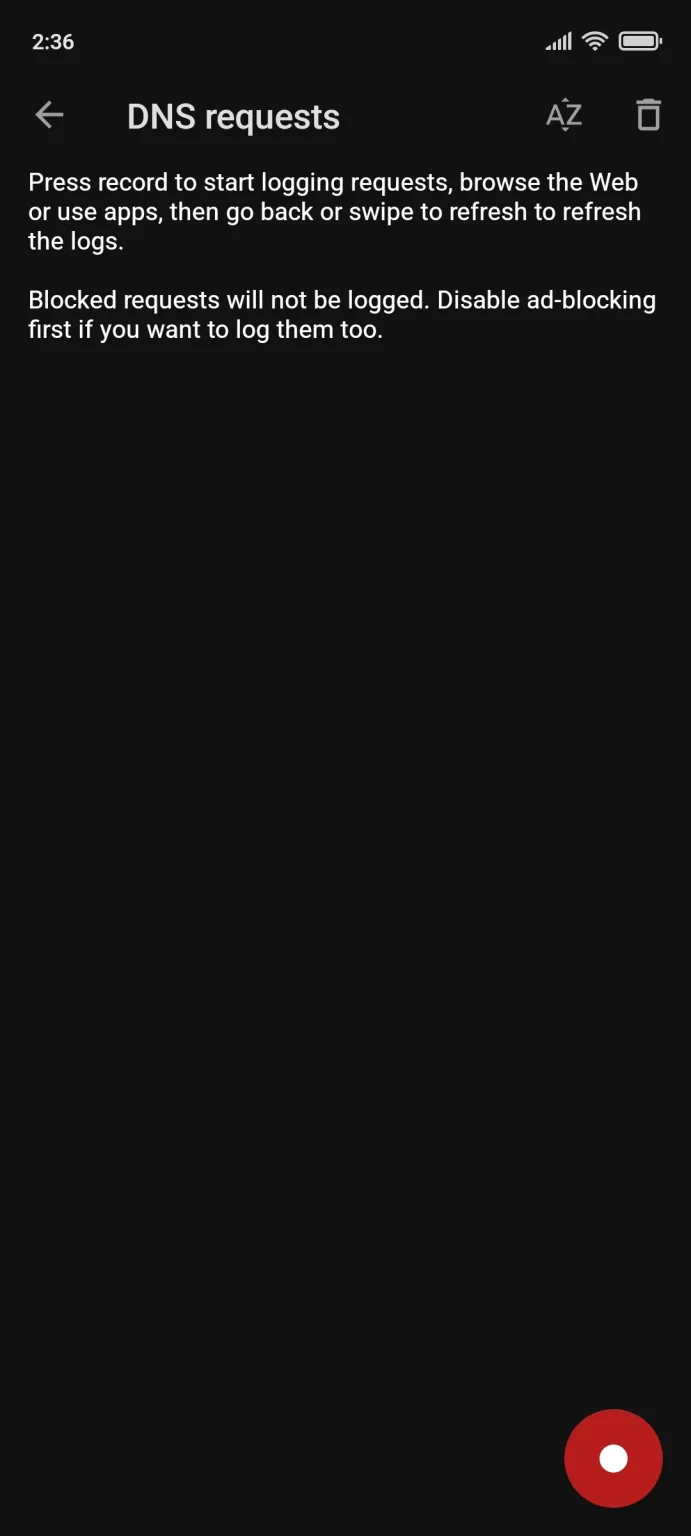
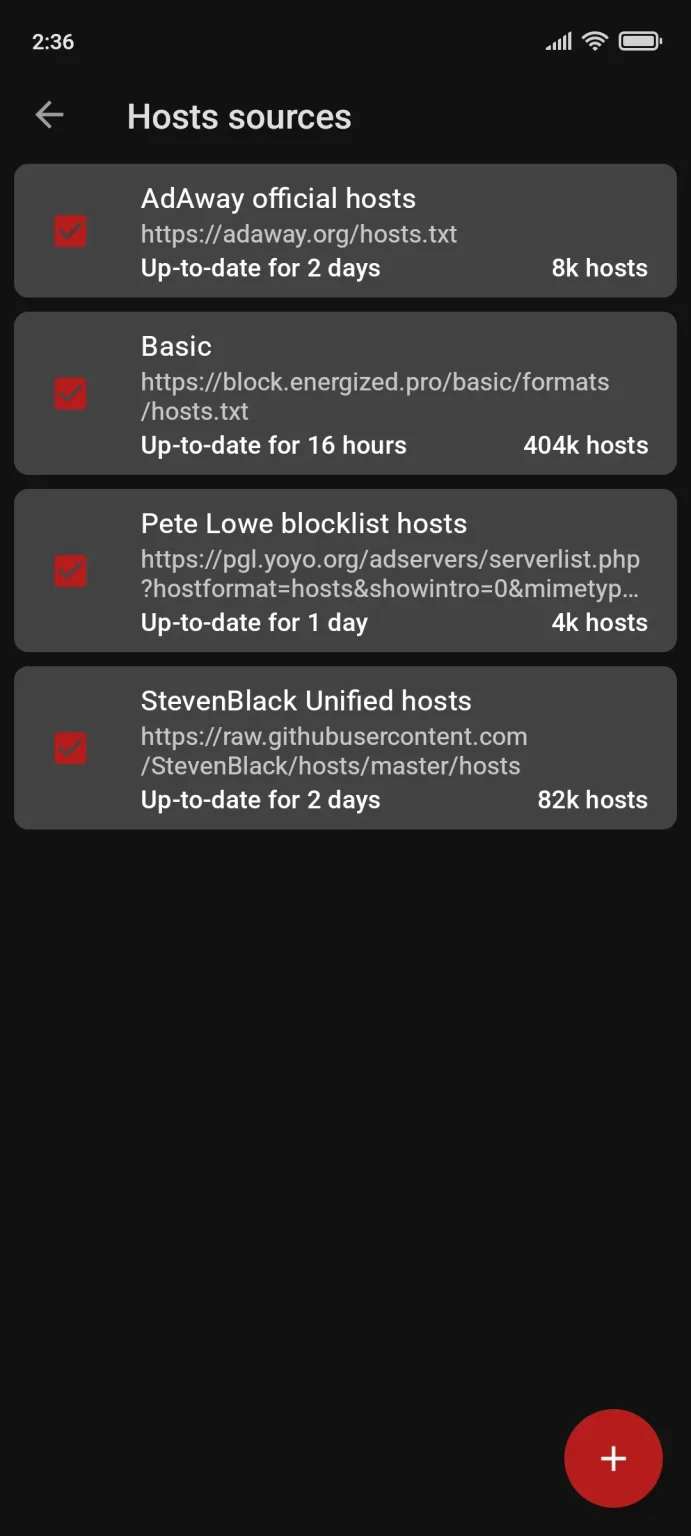
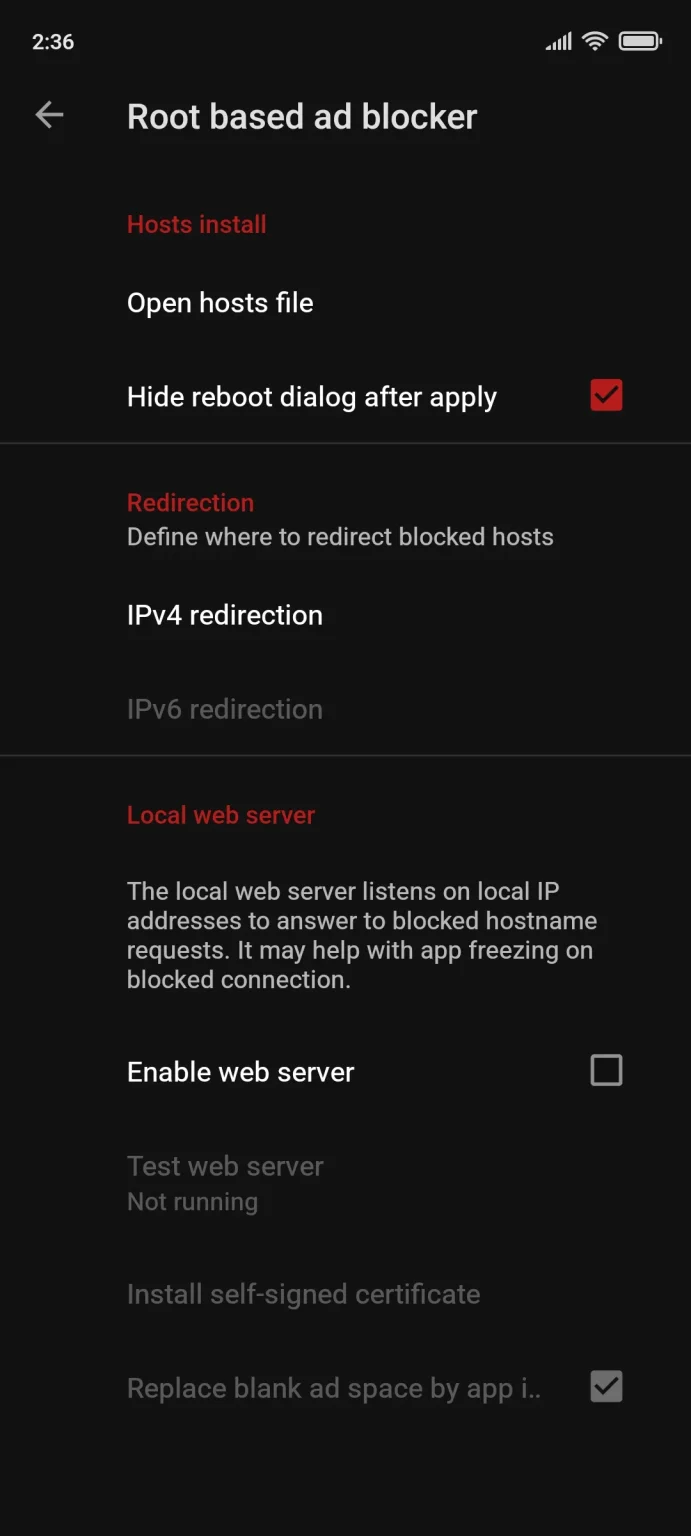
After downloading the APK from F-Droid or GitHub (AdAway has never been available on Google Play after a policy violation removal), you launch the app and choose your blocking method. If your device is rooted with Magisk, select the root mode: AdAway downloads your chosen hosts sources, merges them, and writes the combined list to your system hosts file. From that point, every hostname on the list resolves to 127.0.0.1, and ads across every app on your phone simply time out silently. If you’re not rooted, the VPN mode spins up a local DNS-filtering tunnel that achieves similar results without touching system files. Either way, the first update pulls the hosts list and the blocking starts immediately. You can then add or remove sources, set automatic update intervals, and check the DNS log to troubleshoot any app that stops loading content correctly.
UX & DESIGN
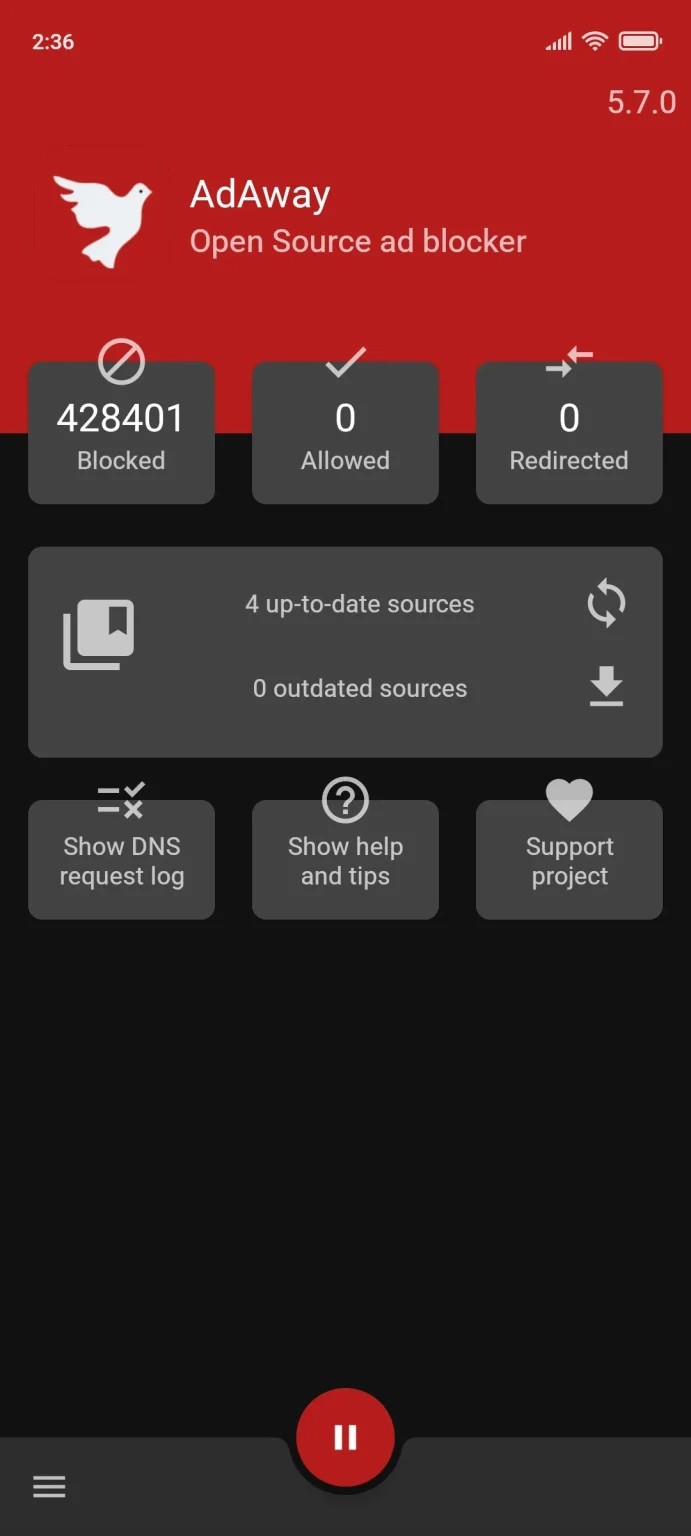
AdAway’s interface is functional and no-frills — it won’t win any design awards, but it communicates exactly what it’s doing without clutter. The home screen shows your blocking status, source count, and last update timestamp at a glance. Settings are logically organised, though a brand new user might not immediately understand the difference between root mode and VPN mode without reading the FAQ. There’s no onboarding wizard in any meaningful sense. The app reflects its open-source community origins: practical and complete, but not polished to consumer-app standards. Given that it costs nothing, the design earns its keep — though newcomers used to Material You aesthetics may find it dated.
PERFORMANCE & RELIABILITY
In root mode, AdAway’s performance impact is essentially zero after initial setup — there’s no background process, no persistent service, and no battery drain beyond what was already there. The system hosts file is read natively by Android’s networking stack, making it the lightest possible implementation of system-wide ad blocking. In VPN mode, a lightweight local process stays active, but because it’s filtering locally (not routing through a remote server), the battery overhead is low compared to commercial VPN-based blockers. The hosts file itself can become large if you stack multiple sources, which may marginally slow down rare DNS lookups on very old devices. On Android 14, root-mode hosts editing works correctly with Magisk’s systemless hosts module; without Magisk, editing the hosts file directly is not feasible on modern Android builds.
PRIVACY & PERMISSIONS
AdAway collects no data whatsoever. It has no analytics framework, no crash reporting server, and no login requirement. The app’s open-source codebase under GPLv3+ means any developer can audit exactly what it does. In root mode, it requires superuser access to write the hosts file — nothing else. In VPN mode, it requests the VPN permission Android requires for any local DNS tunnel, but all filtering happens on-device and no traffic leaves your phone through AdAway’s code. The app explicitly has no certificates installed for HTTPS inspection; it blocks at the DNS level only, which means encrypted ad traffic from apps that use hardcoded IPs or certificate pinning can bypass it. There is no privacy policy needed because there is nothing to disclose — no servers, no accounts, no data.
PRICING & VALUE
AdAway is completely free, forever, with no upsells. There is no premium tier, no “pro” version, and no donation requirement to unlock features. Every capability — custom sources, VPN mode, web server, DNS logging — is available from the first install. Compared to AdGuard for Android, which charges ₹170–₹200/month (or a one-time ~₹6,500 for lifetime) for its full feature set including HTTPS filtering and per-app rules, AdAway’s zero-cost model is unmatched for users whose primary need is system-wide DNS-level blocking. The trade-off is real: AdGuard’s HTTPS filtering catches ads that slip through DNS blocking, but for rooted users in India who want maximum coverage at zero cost, AdAway remains the strongest value in the category.
HOW IT COMPARES
vs. AdGuard: AdAway wins on cost (free vs. paid) and battery efficiency in root mode (no background process). AdGuard wins decisively on filtering depth — its HTTPS proxy mode catches ad traffic that survives DNS blocking, and its per-app filtering rules give you granular control AdAway can’t match.
vs. Blokada: AdAway wins on root-mode reliability and zero battery overhead, with no tracking or server dependency. Blokada wins on ease of use for non-root users and its cleaner interface, though its free tier was significantly scaled back in recent versions, making it less compelling for users who want full features without paying.