WHAT IS GOOGLE CHROME?
Google Chrome is a free web browser developed by Google, built on the open-source Chromium engine, and designed for general web users who want fast, familiar browsing tightly integrated with Google services. It’s the world’s most-used desktop and mobile browser by a wide margin. It’s not suited for users on older low-RAM machines, users who want strong out-of-the-box privacy, or anyone looking to reduce their dependency on Google’s data ecosystem.
HOW IT WORKS
You download and install Chrome, which takes a minute on most connections. On first launch it asks if you want to sign in with your Google account — skip this if you prefer, but signing in is where Chrome becomes genuinely useful: every bookmark, saved password, and open tab syncs immediately to every other device where you’re signed in. From there, browsing feels instant on modern hardware, with Google’s search engine pre-loaded in the address bar (called the Omnibox), which doubles as a calculator, converter, and quick-answer tool without opening a new tab. Installing extensions from the Chrome Web Store takes seconds, and most major productivity tools — from Grammarly to 1Password — publish their best versions here first.
UX & DESIGN
Chrome’s interface is deliberately minimal — tabs at the top, Omnibox in the middle, and a three-dot menu for everything else. It’s the most recognizable browser UI in the world for a reason: it gets out of the way. Dark mode on Windows 11 follows your system setting automatically, and the new Tab overview, tab grouping, and pinned tabs make managing many open pages far less chaotic than it used to be. The Gemini-powered tab organizer is a genuine time-saver for users who regularly exceed 10 open tabs. Onboarding is smooth, and Chrome’s familiarity means almost no learning curve for new users.
PERFORMANCE & RELIABILITY
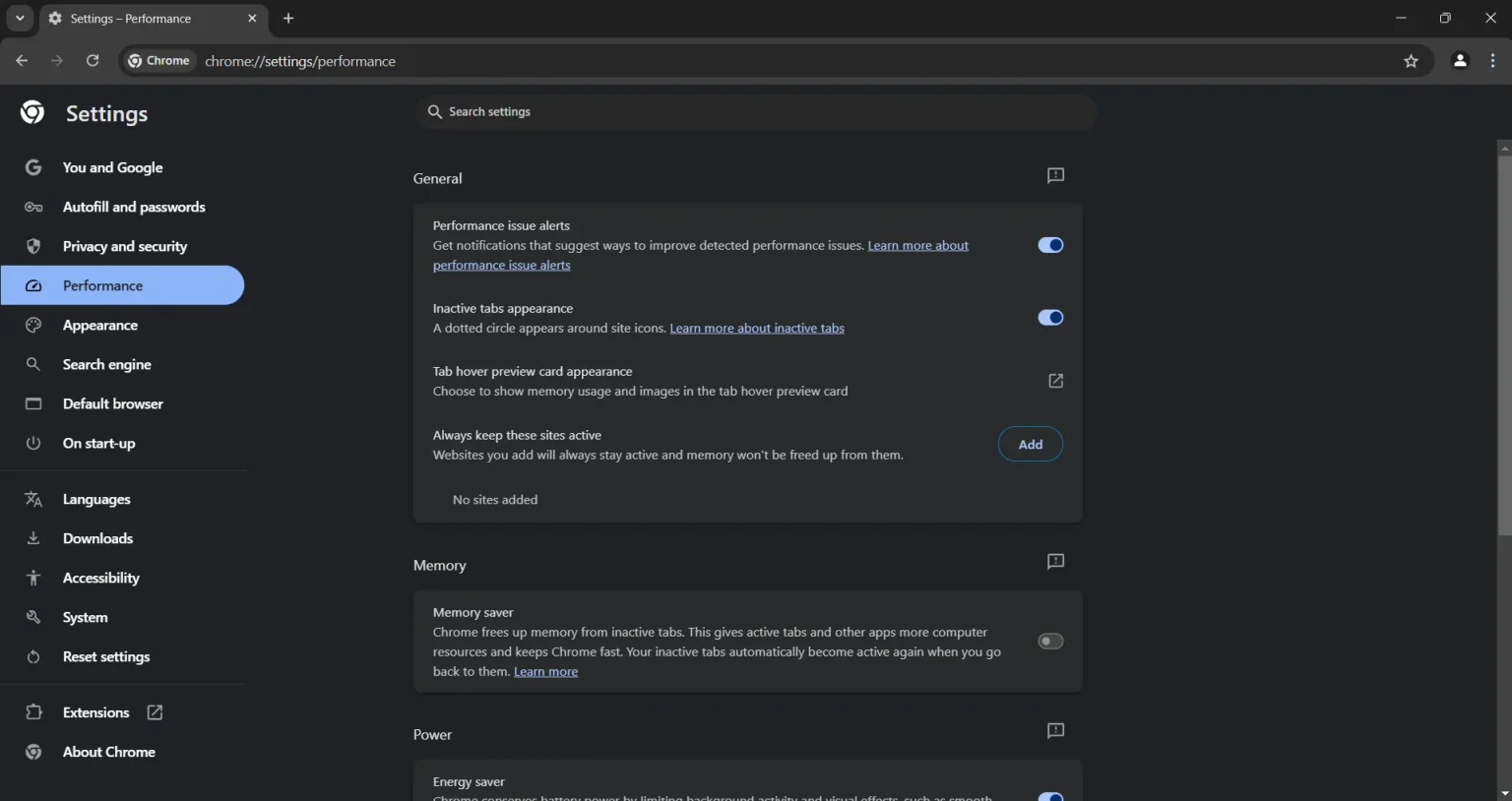
Chrome 148 (released May 5, 2026) is fast — it scores the highest among Windows browsers in most speed benchmarks, testing fastest in three out of four performance categories against Edge and Firefox. The persistent knock is RAM: with 10 active tabs, Chrome uses approximately 1.4 GB, and this climbs to 1.9 GB at 20 tabs — significantly more than Firefox (1.0 GB / 1.6 GB) and Edge (1.2 GB / 1.7 GB) at the same tab counts. Memory Saver mode at its Maximum setting cuts inactive-tab RAM usage by up to 80%, making Chrome genuinely usable on mid-range devices if you turn it on. On Android, Chrome is snappy on mid-range devices but visibly heavier than Brave on 3 GB RAM phones.
PRIVACY & PERMISSIONS
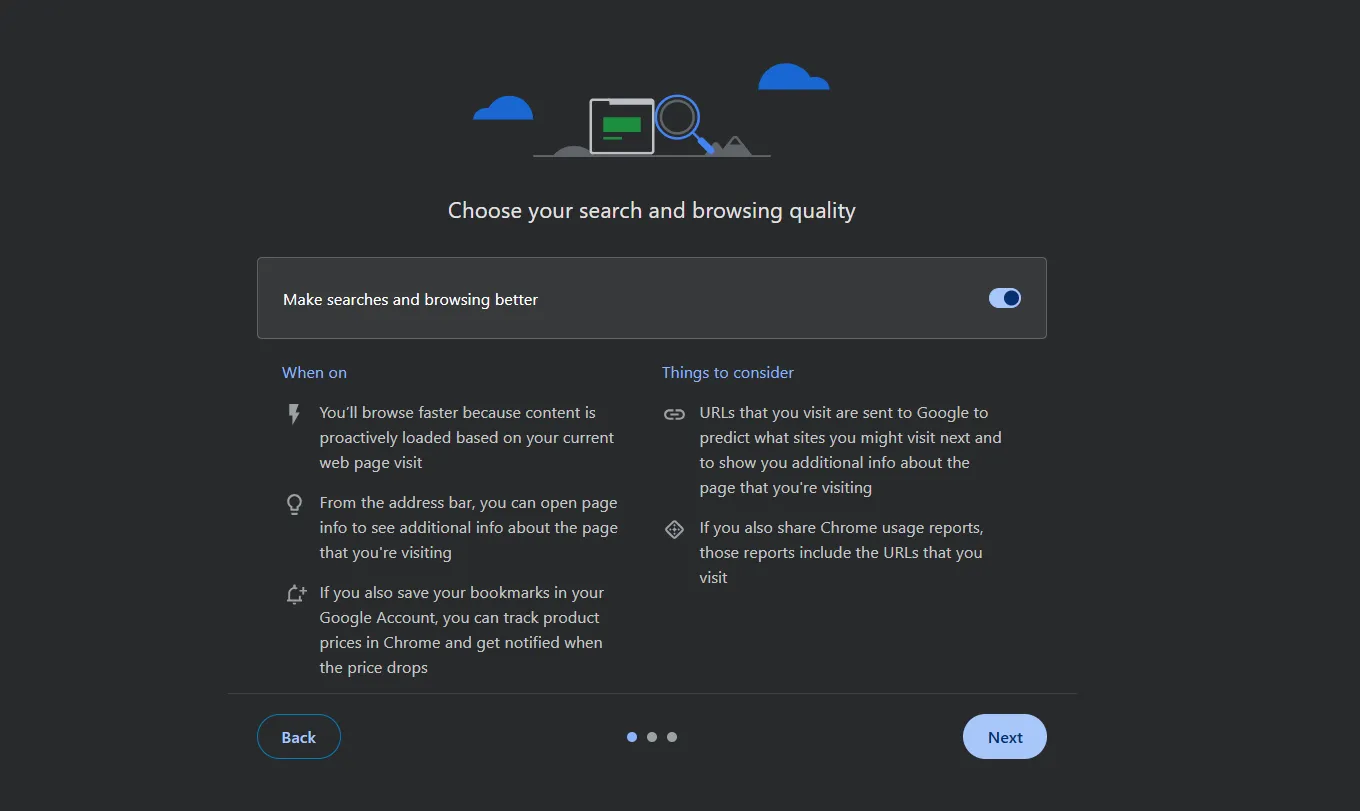
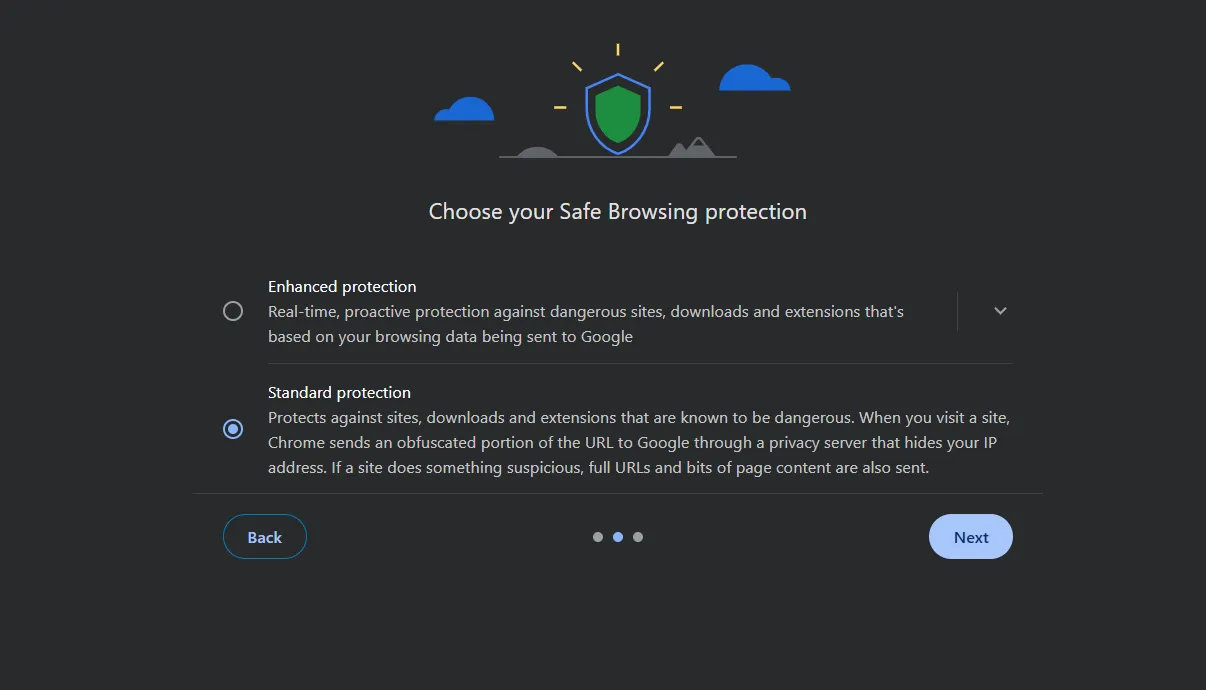
This is Chrome’s weakest area and the one you should understand before deciding. Google reversed its plan to eliminate third-party tracking cookies, meaning Chrome still allows advertisers to track you across sites by default. In February 2025, Google also expanded digital fingerprinting — a technique that tracks your device identity even in Incognito mode — to cover additional device types like smart TVs and gaming consoles. Chrome’s Incognito mode does not prevent Google or your internet service provider from seeing your activity; it only prevents Chrome from saving your local history. On the positive side, Safe Browsing protection is robust, the built-in password manager flags reused and compromised passwords, and the Google Password Manager uses encryption for stored credentials.
PRICING & VALUE
The consumer browser is free, and that free tier is complete — there are no feature paywalls for everyday users. The Chrome Enterprise Premium plan at $6/user/month is aimed squarely at IT administrators managing corporate fleets, not individual users. For comparison, Microsoft Edge is also free and includes a built-in basic VPN and Copilot AI that Chrome’s free tier doesn’t match out-of-the-box without add-ons. Chrome’s value for general users comes from the ecosystem, not from unique paid features.
HOW IT COMPARES
vs. Mozilla Firefox: Chrome wins on raw page-loading speed and extension library size; Firefox wins on privacy out-of-the-box and RAM efficiency, using roughly 30% less memory with heavy tab loads.
vs. Microsoft Edge: Chrome wins on cross-platform consistency and extension compatibility; Edge wins on Windows 11 integration, built-in Copilot AI, and memory efficiency — Edge uses ~14% less RAM than Chrome at 20 tabs.