WHAT IS ADGUARD?
AdGuard is a paid, cross-platform ad blocker developed by Adguard Software Limited, incorporated in Cyprus, with a development team that operates primarily from Russia. It blocks ads, trackers, malicious websites, and in-app advertisements across Windows, macOS, Android, iOS, Android TV, and all major browsers through a combination of DNS filtering, network-level interception, and HTTPS proxy filtering. It’s built for users who want a single product to cover every surface — browser, app, game, and streaming service — without stitching together multiple free tools. It’s not suited for users whose primary concern is data sovereignty and who are uncomfortable with software whose core team operates under Russian jurisdiction, nor for users whose ad-blocking needs don’t extend beyond the browser.
HOW IT WORKS
After downloading the platform-appropriate installer from adguard.com, the setup process takes about two minutes. On Windows and macOS, AdGuard installs a network driver that routes all device traffic through a local filtering engine — no VPN slot consumed, no third-party server involved. On Android, it uses a local VPN tunnel to intercept traffic at the system level. On iOS, it operates through a combination of Safari content blocking (system-level) and a local VPN for in-app coverage. For HTTPS filtering — necessary to block YouTube pre-rolls and social media ads — AdGuard installs a local root certificate into your system or browser trust store, enabling it to inspect and clean encrypted traffic before it renders. You link your license to an AdGuard account, and from that point your settings and license status sync across every device on your plan automatically.
UX & DESIGN
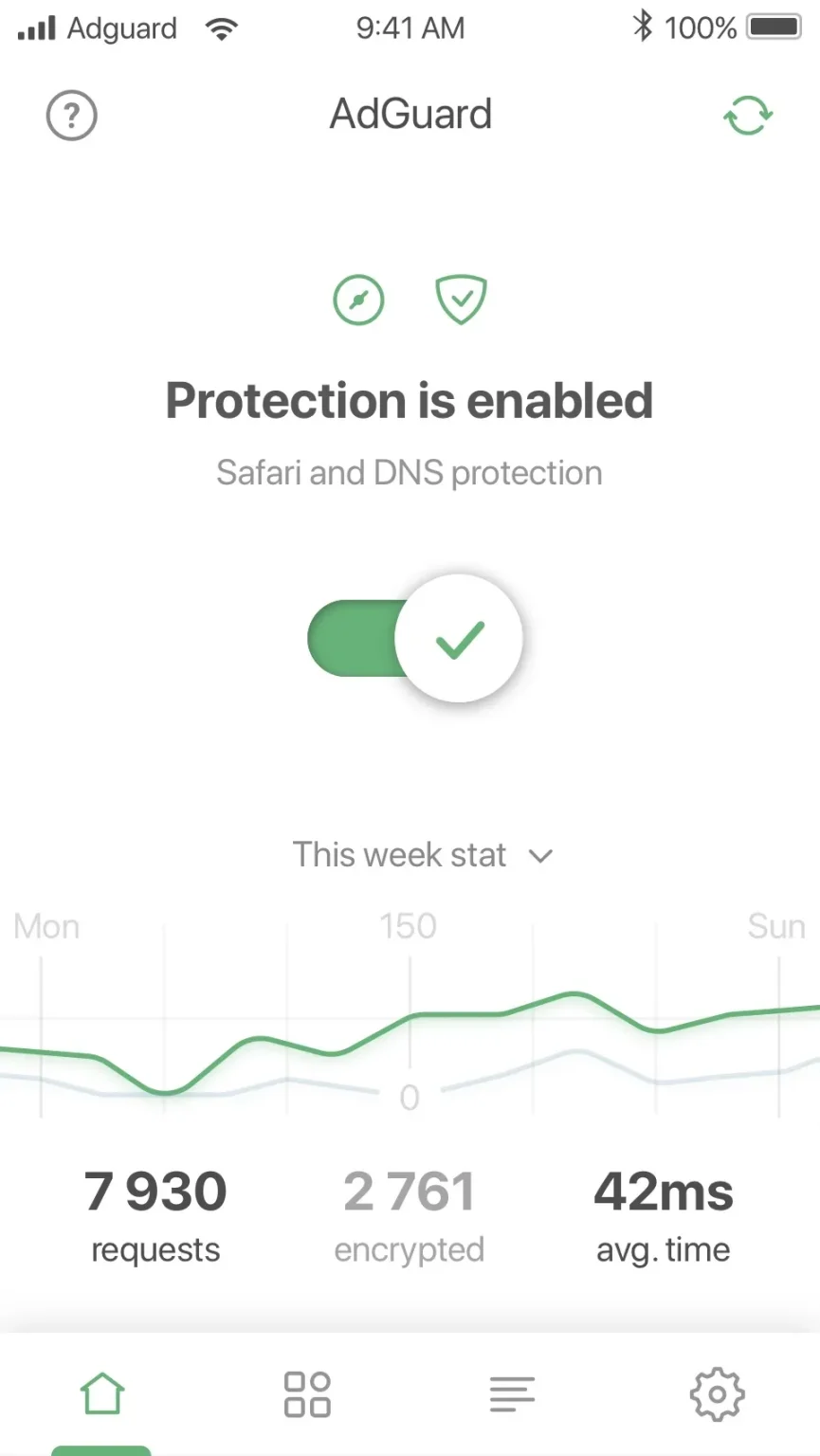
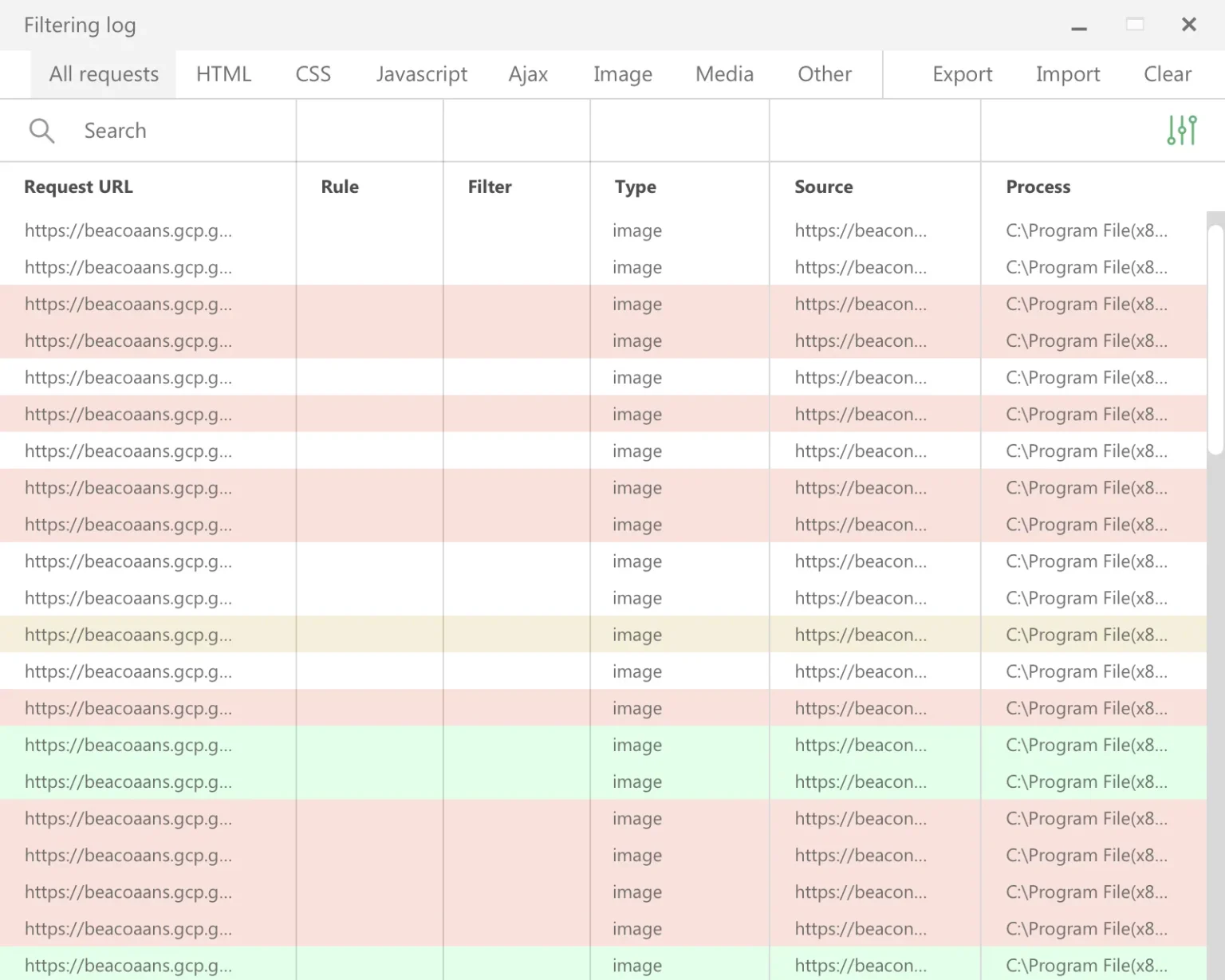
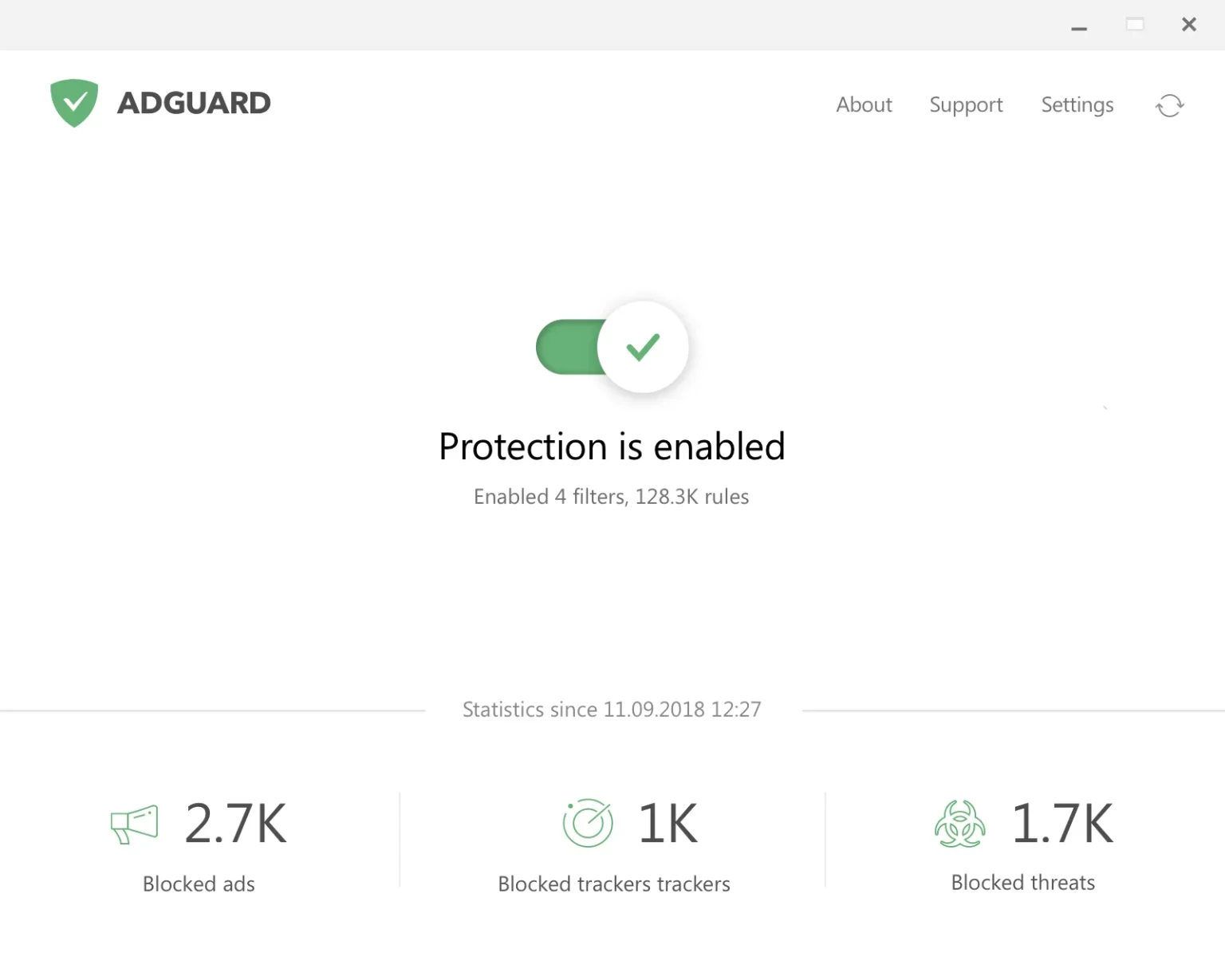
The desktop apps for Windows and macOS are clean, dashboard-style interfaces that display blocked ad and tracker counts prominently on a green status card. Navigation between Ad Blocker, Browsing Security, Stealth Mode, and Parental Control modules is logical and consistent across platforms. The Android app is the most feature-rich mobile version — it surfaces per-app filtering rules, DNS settings, and traffic logging in a way iOS can’t match due to Apple’s platform restrictions. The browser extensions share the same visual language: a toolbar icon, a per-site toggle, and a settings panel that’s accessible without being overwhelming. The one area where UX earns criticism is the HTTPS certificate installation step — it’s clearly documented but requires a few manual browser-specific steps that less technical users find unexpectedly complicated, especially on macOS Sonoma where system security dialogs are more prominent.
PERFORMANCE & RELIABILITY
AdGuard scored 98 out of 100 on adblock-tester.com with default settings, blocked all ad types on canyoublockit.com‘s Extreme test, and successfully eliminated YouTube pre-roll ads in independent testing. On Windows and macOS, the network driver implementation means near-zero memory overhead compared to browser extensions that compete for the same RAM. On Android, the VPN-mode battery impact is low in daily use but higher than AdAway’s root-mode implementation, which requires no background process at all. HTTPS filtering occasionally triggers Firefox security warnings for certain sites where the certificate chain isn’t handled cleanly — AdGuard’s knowledge base documents workarounds for each. The filter list update cadence is fast: AdGuard maintains its own filter team that responds to new ad formats typically within 24 hours, giving it an edge over community-maintained lists on fast-moving platforms like YouTube.
PRIVACY & PERMISSIONS
AdGuard’s privacy position is functional but carries a legitimate asterisk. The company’s privacy policy states it collects no browsing data and runs no physical servers in Russia. AdGuard is also open-source across its core products, meaning the filtering engine and app code are publicly auditable. The meaningful concern is structural: AdGuard’s primary engineering team operates in Russia, a jurisdiction where state pressure on software companies to cooperate with data access requests has increased substantially since 2022. AdGuard has not published a transparency report and does not have independent jurisdiction-based audits confirming that data flow is isolated from its Russian operations. For users blocking ads on general browsing, this is a manageable risk. For users handling sensitive banking sessions or corporate traffic through AdGuard’s HTTPS inspection layer, this concern deserves serious weight. The company is incorporated in Cyprus, not Russia — but incorporation address and operations address are not the same thing.
PRICING & VALUE
AdGuard’s free tier covers browser-based ad blocking on Android (Chrome) and iOS (Safari) only — in-app blocking, YouTube ad removal, HTTPS filtering, and Stealth Mode all require a paid license. The yearly Personal plan at $2.49/month (3 devices) and Lifetime Personal at $79.99 are both competitive against what the category charges for genuine system-wide coverage. For Indian users, iOS pricing on the App Store sits at ₹199/month, ₹499/year, and ₹1,499 for a lifetime purchase — among the most affordable lifetime pricing for a premium ad blocker in the Indian market. Third-party resellers on IndiaMART list the Personal 3-device lifetime license at approximately ₹1,699, though purchasing through the official site with the 60-day money-back guarantee is the safer route. There is no publicly listed student discount for India; users should monitor the AdGuard blog for periodic promotional sales.
HOW IT COMPARES
vs. uBlock Origin: AdGuard wins on system-wide coverage, mobile app quality, and HTTPS-level filtering that catches in-app ads uBlock Origin cannot touch as a browser extension. uBlock Origin wins on cost (completely free), memory efficiency, advanced dynamic filtering for power users, and zero concerns about corporate data practices or jurisdiction.
vs. Adblock Plus: AdGuard wins on blocking depth — Adblock Plus’s “Acceptable Ads” program allows whitelisted advertisers to bypass filters by default, whereas AdGuard blocks all ads uniformly. AdGuard also wins on cross-platform system-level coverage, where Adblock Plus has no equivalent. Adblock Plus wins on accessibility: it requires no paid plan for browser-level use and carries no geopolitical concerns for privacy-sensitive users.