WHAT IS VLC?
VLC is a free, open-source multimedia player developed by the VideoLAN project, built for anyone who wants to press play and have it work — immediately, every time. It’s designed for students, professionals, home users, and power users across every major operating system. It is not suited for users who prioritize a slick, touch-friendly interface or those looking for built-in media library management on par with dedicated apps like Plex.
HOW IT WORKS
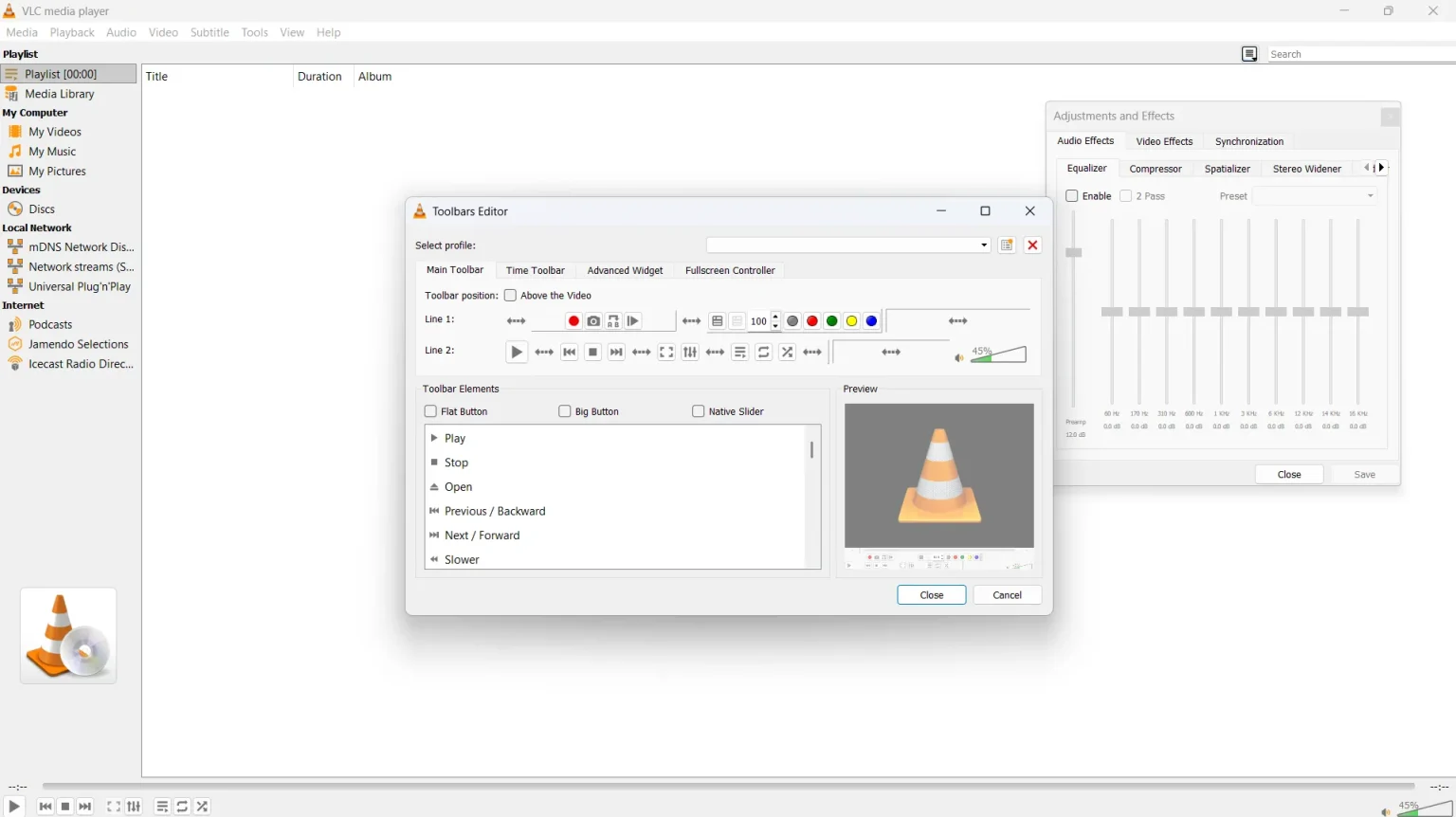
You download VLC — the VLC media player for windows 11 64 bit installer is under 40 MB — and within two minutes you’re playing files. There’s no setup wizard demanding a codec pack or account creation. You simply drag a file onto the window, or hit Media > Open File, and it plays. Want to boost volume above 100? The on-screen volume wheel goes up to 200% right from the main UI. Need to fix a subtitle timing issue? Tools > Track Synchronization brings up precise millisecond controls for both audio delay fix and subtitle sync. The learning curve for basics is nearly zero; the advanced features reward exploration.
UX & DESIGN
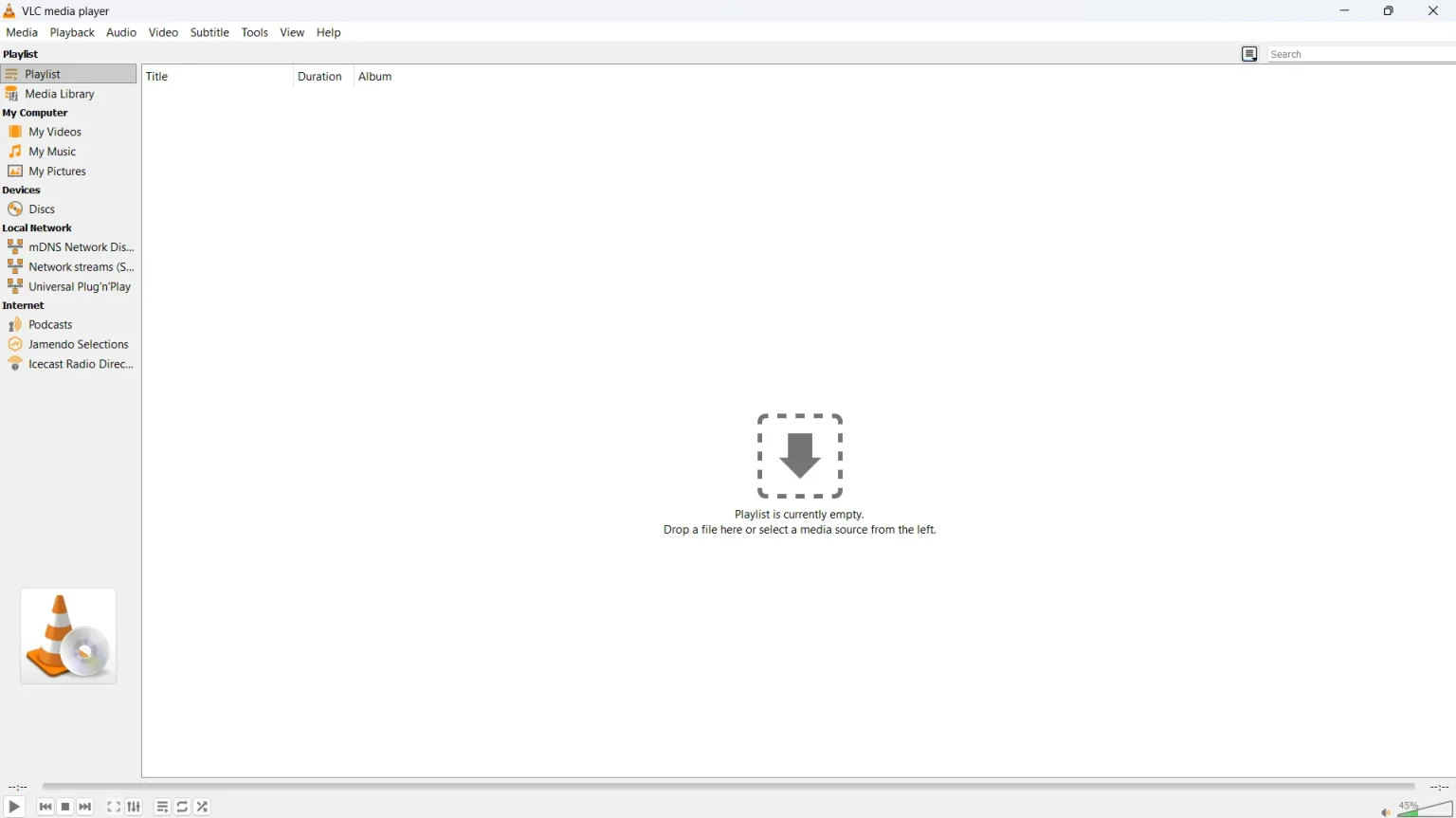
The interface is functional, familiar, and showing its age. The desktop UI — particularly on Windows — hasn’t had a visual overhaul in years, and it feels dated next to modern apps. That said, every control is where you’d expect it, and VLC keyboard shortcuts for Windows 11 work without configuration: Space to pause, F for fullscreen, Ctrl+H to loop video in VLC on PC, and arrow keys for seeking. On Android, the interface is significantly more modern, though it still lacks the polish of MX Player’s mobile-first design. Accessibility features are minimal — there’s no screen-reader optimization to speak of.
PERFORMANCE & RELIABILITY
VLC’s hardware decoding support means 4K video playback is smooth on most mid-range machines, and applying the best VLC settings for 4K video (enabling GPU acceleration under Tools > Preferences > Input/Codecs) makes a noticeable difference on lower-spec hardware. For low end PC users in India or elsewhere, VLC’s small install footprint and efficient software fallback make it one of the most sensible vlc for low end pc download options available. It’s stable across billions of installations globally with a near-zero crash rate under normal use conditions. Battery and data impact is minimal — it performs no background network activity when offline.
PRIVACY & PERMISSIONS
VLC is one of the cleanest apps in its category when it comes to data practices. It collects no personal data, runs no trackers, and carries no advertising SDK. On Android, it requests storage access to read your media files — nothing more invasive. The privacy policy is publicly accessible and straightforward. The open-source codebase, hosted publicly on code.videolan.org, means any researcher or developer can audit exactly what the application does, making “is VLC media player safe 2024 or 2026” an easy question to answer: yes, verifiably so.
PRICING & VALUE
VLC is free in the truest sense — no free tier that locks features behind a paywall, no upgrade prompt, no subscription. Converting media formats (such as using the convert mp4 to mp3 using VLC feature under Media > Convert/Save) is fully available at no cost. Compare that to MX Player on Android: the free version is ad-supported, and MX Player Pro costs approximately ₹149 on Google Play. For Indian users evaluating vlc vs mx player for android india, VLC wins on cost immediately and requires no ad tolerance.
HOW IT COMPARES
vs. MX Player: VLC wins on desktop versatility and privacy; MX Player wins on Android gesture controls and its dedicated regional Indian content library.
vs. PotPlayer: VLC wins on cross-platform support and open-source transparency; PotPlayer wins on Windows-specific advanced features like 3D video, 360° playback, and built-in screen recording.