WHAT IS KMPLAYER?
KMPlayer is a free multimedia player developed by South Korea’s Pandora TV, designed for general media consumers who want broad format support — MKV, AVI, MP4, FLAC, and dozens more — alongside high-resolution playback up to 8K and HDR without hunting for codec packs. It’s a solid fit for Windows users who want a visually polished, feature-packed player and for Android users comfortable with an ad-supported model. It’s not suited for privacy-focused users, those who want a clean zero-ads experience, or Linux users — there’s no Linux build.
HOW IT WORKS
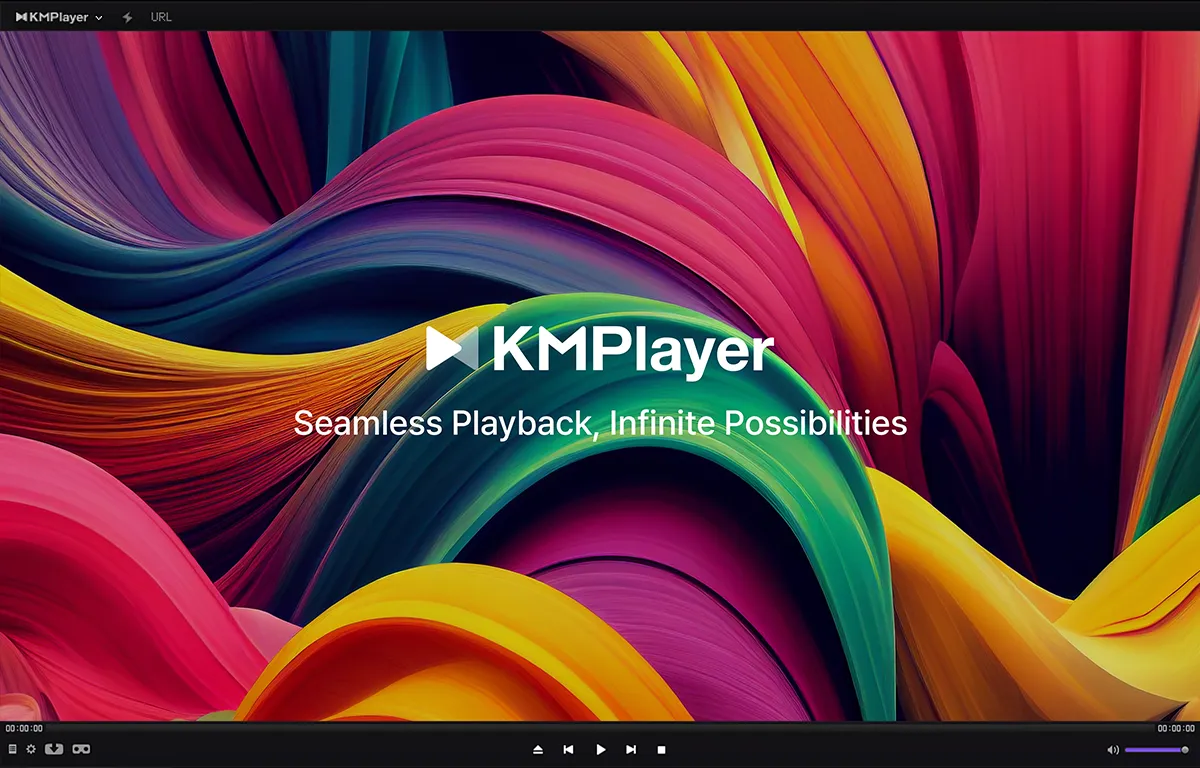
The KMPlayer download for PC Windows 11 takes under a minute; choose the 64-bit version for modern machines. On first launch, the default dark interface is clean enough — a video pane flanked by playback controls, with a right-click context menu that unlocks nearly every advanced option. To play HDR video on PC with KMPlayer, hardware acceleration must be enabled: open Preferences > Video > Video Renderer and select either DXVA2 or D3D11, which offloads decoding to your GPU. For users on older hardware asking how to fix KMPlayer lagging on 4K, this single settings change typically resolves the issue. KMPlayer Connect lets you pair a mobile device over Wi-Fi for wireless file transfer to your PC — useful for quickly moving content between devices without a cable.
UX & DESIGN
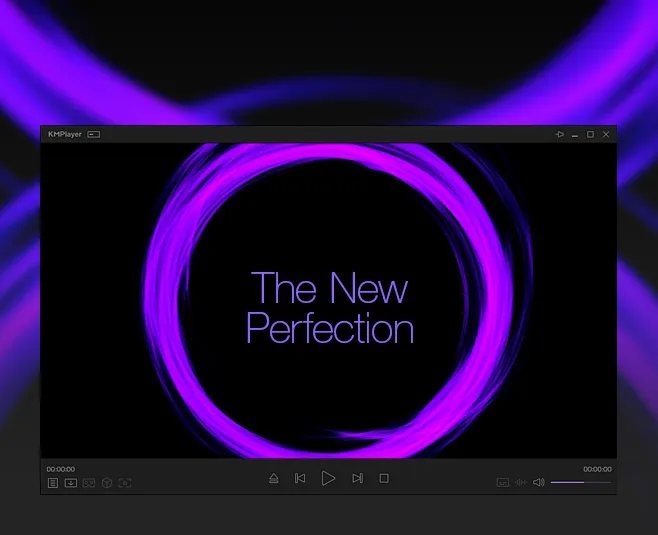
KMPlayer’s desktop interface is more visually considered than VLC’s aging skin, with a high-contrast dark theme that holds up on 4K displays. Navigation is largely intuitive for basic playback, though the right-click menu for advanced settings can feel like a maze — post-processing effects alone span nearly a hundred options. On mobile, the Android app is polished but carries the weight of its ad-reward model; a “watch ads to earn rewards” scheme is woven into the interface, which some users find intrusive. KMPlayer skins download free is a genuinely useful feature: the player supports custom skins to overhaul the entire desktop look. Notably, the Windows 64-bit version now includes Win-Eyes TTS for visually impaired users — a rare accessibility inclusion among free media players.
PERFORMANCE & RELIABILITY
As a best free media player for 4K movies in India, KMPlayer holds up well — hardware acceleration via DXVA2, Intel QSV, and NVIDIA CUDA ensures smooth playback on mid-range hardware, and the best 8K media player for PC 2026 conversation is one it can credibly join on adequately spec’d machines. The 32-bit Windows version remains available for kmplayer download for 32 bit Windows 7 users, making it one of the few players still actively maintaining legacy support. Stability has improved notably in recent versions: a buffer overflow security vulnerability was patched in the 2025.7 release, and prior subtitle font rendering issues were corrected. On Android, the torrent client for real-time playback while downloading is a power feature that most competitors omit.
PRIVACY & PERMISSIONS
This is where KMPlayer’s record warrants honest scrutiny. An older Reddit thread documented an incident where KMPlayer installed adware without user permission and reported activity to remote servers — a serious concern from its past that shaped its reputation. Independent malware scans of current builds (2025 versions) across tools including Avira, BitDefender, Malwarebytes, and Norton return clean results, and the current installer does not exhibit that behaviour. However, KMPlayer is developed by Pandora TV, a South Korean commercial entity with a monetisation model centred on the mobile ad-reward system. The privacy policy does not provide granular detail about telemetry. Users asking “is KMPlayer a virus” in 2026 will find no current infection evidence — but the historical adware incident is real, and installing from the official KMPlayer website rather than third-party mirrors remains non-negotiable.
PRICING & VALUE
KMPlayer’s desktop version is free without ads — the monetisation on PC comes through optional premium skins and the bundled software installer that requires attention during setup. On mobile, the free tier is ad-supported, with VIP themes available as paid extras. There is no subscription. Compared to VLC, which is fully open-source, ad-free on all platforms, and carries no history of bundled software, KMPlayer’s value proposition is functional but conditional. For the KMPlayer vs VLC for 4K video India comparison, KMPlayer’s edge is its 3D, 360°/VR, and built-in screen capture — features VLC doesn’t offer natively. VLC’s edge is trust, transparency, and cross-platform reach.
HOW IT COMPARES
vs. VLC Media Player: KMPlayer wins on 3D/360° playback and a more polished desktop UI; VLC wins on open-source transparency, cross-platform availability (including Linux), and a clean, verified privacy record.
vs. PotPlayer: KMPlayer wins on cross-platform support (Android, iOS, macOS); PotPlayer wins on raw performance, stability, deeper codec customisation, and a consistently cleaner software distribution on Windows.