
Free, open-source password manager that syncs unlimited passwords across every device you own.
by: Bitwarden, Inc.
for: Android, iOS, Linux, macOS, Windows
◆ Unlimited Free Vault — Store unlimited passwords synced across unlimited devices at zero cost, permanently — not just during a trial.
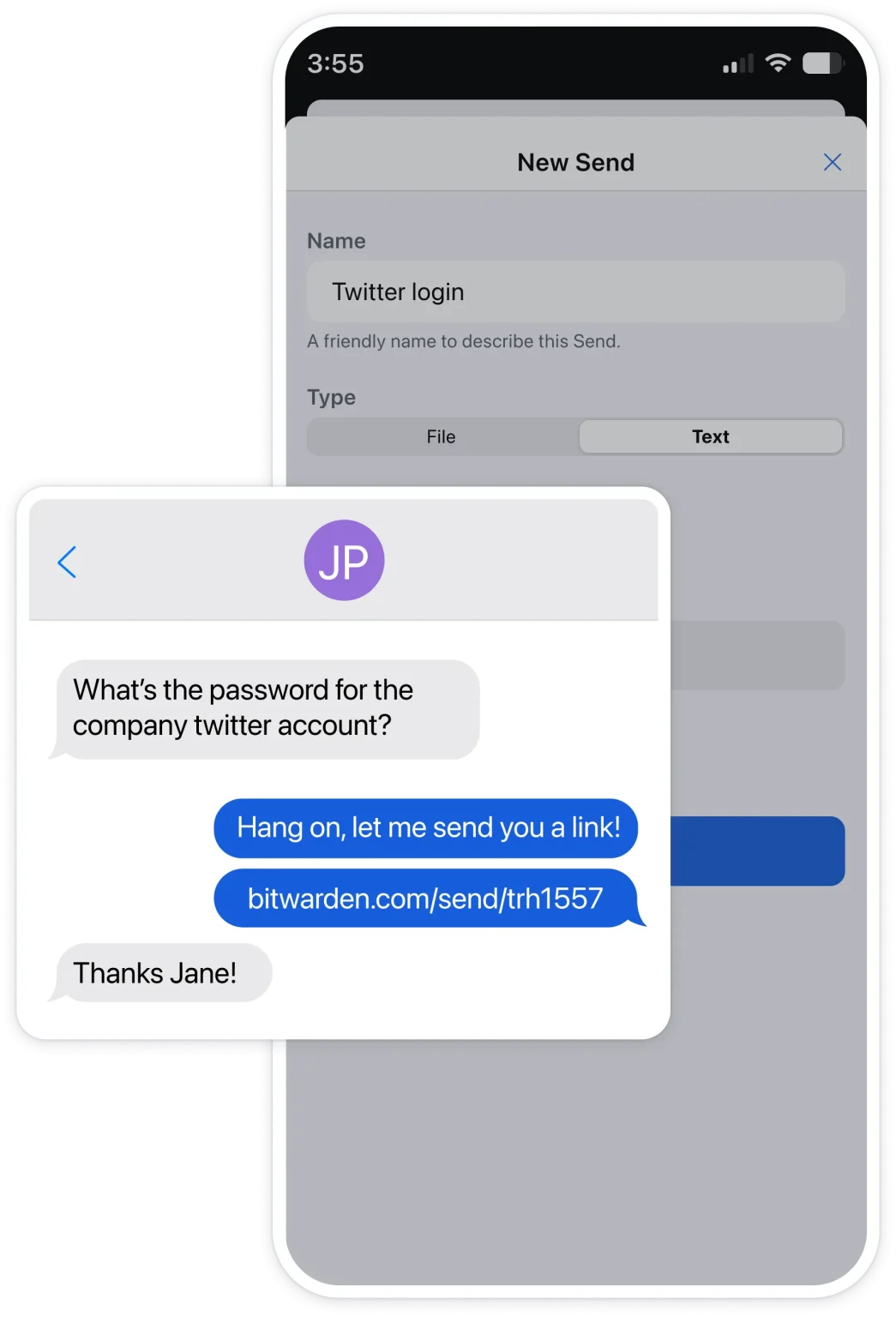
◆ Bitwarden Send — Share encrypted text or files with anyone via a secure, expiring link without exposing your vault.
◆ Self-Hosting Option — Deploy your entire Bitwarden server on your own infrastructure — a Raspberry Pi, a home server, or a VPS — for complete data sovereignty.
◆ Open-Source & Audited — Every line of code is publicly visible; independent audits by Cure53, Unit 42, and Fracture Labs are published annually.
◆ Emergency Access — Designate a trusted contact who can request vault access after a waiting period you control, protecting against lockout.
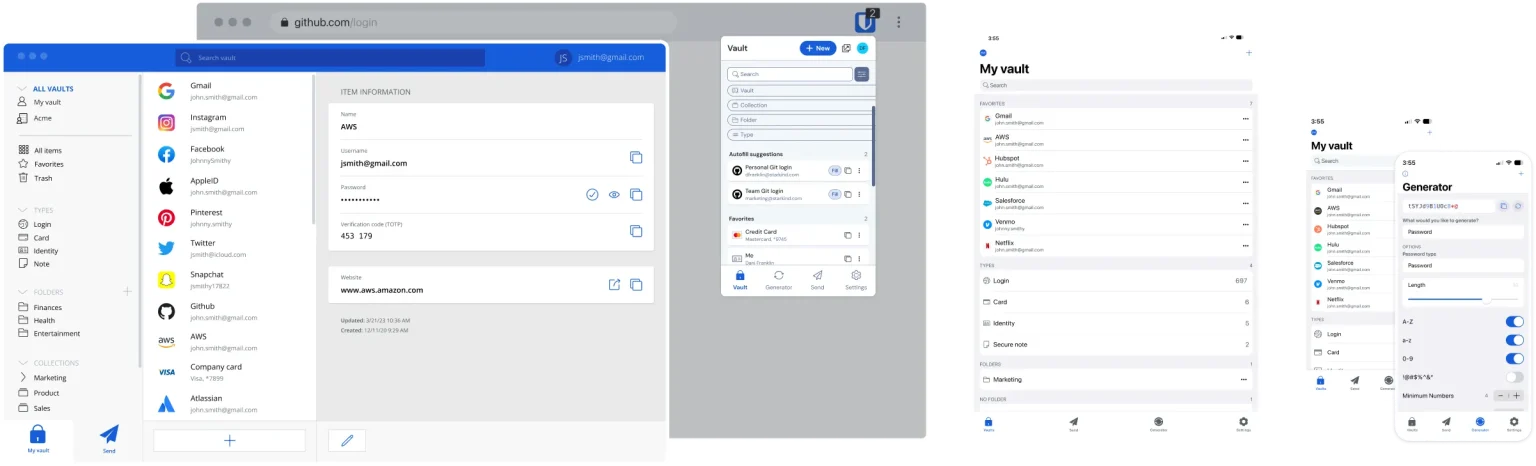
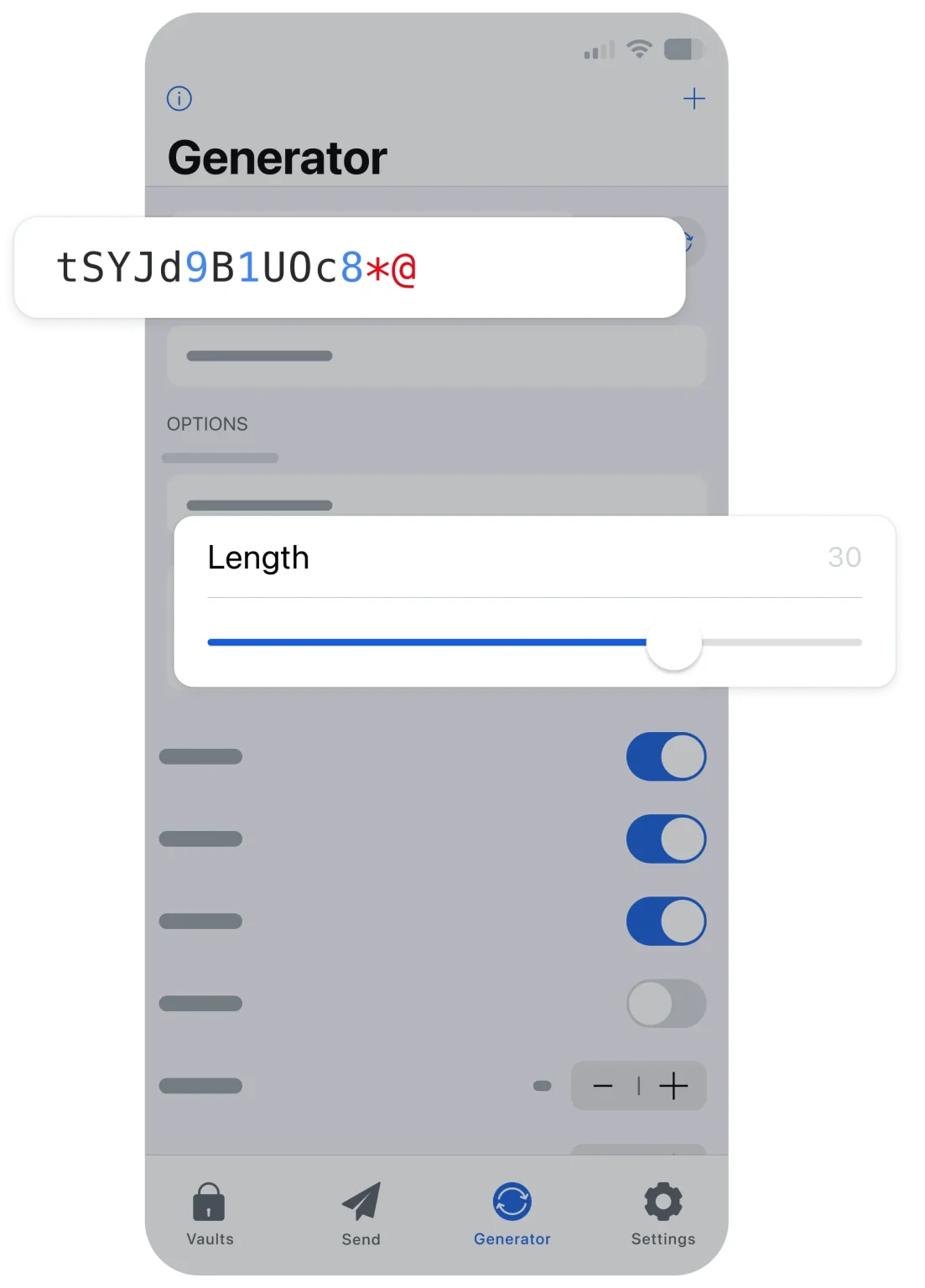
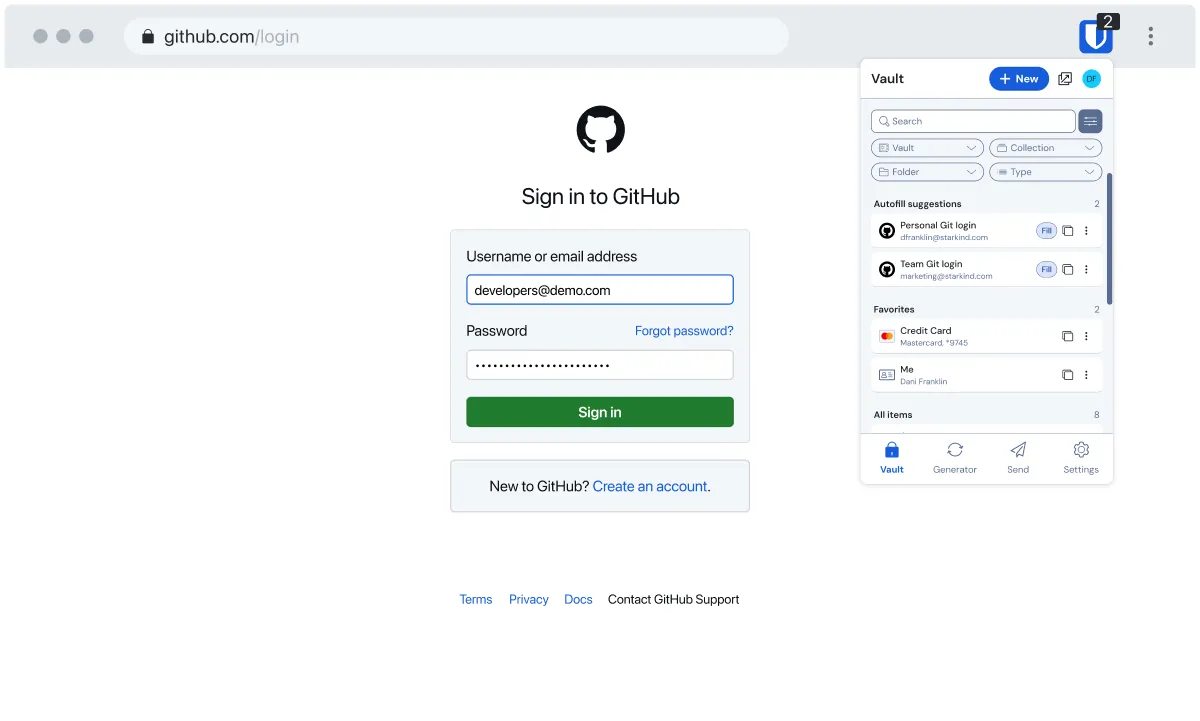
Bitwarden is a fully open-source password manager that stores, syncs, and auto-fills your credentials across every platform you use — at no cost for its core features. It’s built for anyone from a first-time password manager user to a developer self-hosting their own server for complete control. If you want the most polished touchscreen experience money can buy and you’re willing to pay for it, Bitwarden’s interface may feel too utilitarian — that’s an honest limitation worth naming upfront.
Creating an account takes under two minutes — pick an email, set a master password, and you’re in. On your first real use, you can import your existing passwords directly from Chrome via a simple CSV export: Chrome settings → Passwords → Export, then upload that file into Bitwarden’s web vault in one click. The browser extension then handles auto-fill on every site you visit, and the mobile app uses biometric login — fingerprint or face — to unlock without typing your master password every time. Your vault syncs silently in the background across every device you log into.
The interface does its job cleanly but doesn’t try to impress you. Vault items are organized in a flat list with folder support, search is fast, and the browser extension pops up exactly when you need it. The onboarding is minimal — which works for technical users but can feel abrupt for someone switching from a managed tool like LastPass. The Android biometric login setup is straightforward: enable it once in Settings and the app unlocks on your fingerprint or face ID every subsequent launch. Where Bitwarden trails behind 1Password is in visual polish and guided feature discovery — the 2FA settings guide, for instance, is buried enough that new users often miss it.
Bitwarden is lightweight and consistent. The browser extension doesn’t slow page loads, the mobile app runs without noticeable battery drain, and the desktop clients on both Windows 11 and Linux are stable. Vault sync is near-instant when online. Offline access works reliably — the vault stays readable even when your connection drops, though new entries won’t sync until you’re back online. The 2025 third-party security audits by Unit 42 and Fracture Labs found no critical or high-risk vulnerabilities, and the identified issues were resolved before public disclosure.
Bitwarden uses AES-256 encryption with PBKDF2 key derivation, end-to-end encrypted before data ever reaches its servers — meaning Bitwarden staff cannot read your vault. It holds SOC 2 Type 2, GDPR, CCPA, and EU-U.S. Data Privacy Framework certifications, making it one of the most compliance-ready password managers for Indian businesses that process international data. The self-hosting option goes even further: you can run the entire stack on your own server — a Raspberry Pi works — and your encrypted data never touches Bitwarden’s infrastructure at all. Mobile permissions are limited to biometrics and clipboard access, both clearly explained in the app settings.
Bitwarden’s free tier is genuinely, permanently useful — not a stripped-down funnel. Unlimited passwords, unlimited devices, and basic sharing is free forever. The Premium plan at $19.80 per year (roughly ₹1,650) unlocks vault health reports, the integrated TOTP authenticator, emergency access, 1 GB encrypted storage, and support for up to 10 hardware security keys. The Families plan at $47.88 per year covers six users with full Premium features each — making it dramatically cheaper than 1Password’s Family plan, which costs over $53 per year for five users. For Indian users watching exchange rates, that difference matters.
vs. 1Password: Bitwarden wins on price, open-source transparency, self-hosting, and Linux support; 1Password wins on interface polish, Travel Mode for international trips, and the Secret Key dual-authentication architecture.
vs. LastPass: Bitwarden wins on security track record, free tier quality, and third-party audit transparency; LastPass’s 2022 breach — which exposed encrypted vault data of millions of users — remains a trust deficit that Bitwarden has never carried.
Genuinely free, permanently
Open-source and publicly audited
Self-hosting for complete control
Bitwarden Send for secure sharing
Emergency access on Premium
Interface is functional, not polished
TOTP authenticator is paywalled
Self-hosting requires real technical ability
No dedicated Travel Mode
Free, open-source password manager that syncs unlimited passwords across every device you own.
by: Bitwarden, Inc.
All files are original, sourced from official developer.
The download will start from the developer’s website.
AnySoftware does not host, repack or modify download files in any way.
Powered by
Free, open-source password manager that syncs unlimited passwords across every device you own.
by: Bitwarden, Inc.
All files are original, sourced from official developer.
The download will start from the developer’s website.
AnySoftware does not host, repack or modify download files in any way.
Powered by
Free, open-source password manager that syncs unlimited passwords across every device you own.
by: Bitwarden, Inc.
All files are original, sourced from official developer.
The download will start from the developer’s website.
AnySoftware does not host, repack or modify download files in any way.
Powered by